AI personal styling app
What else could you be?
Try hair, makeup and accessories
on your own portrait.
Original
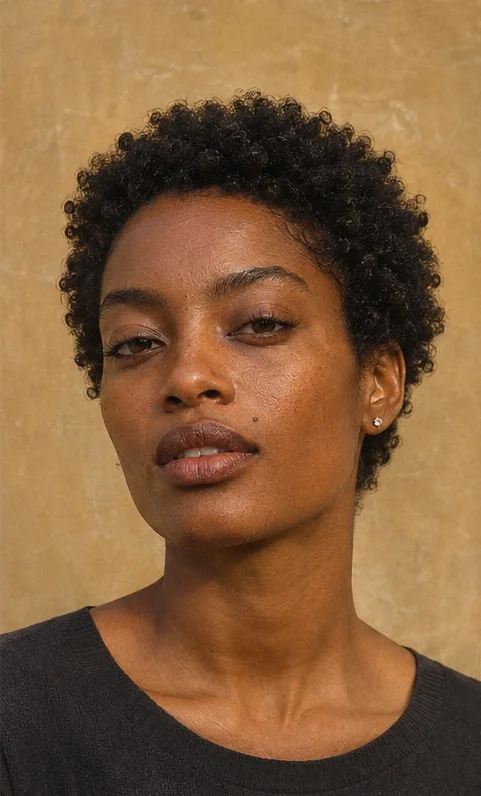
Choose a look
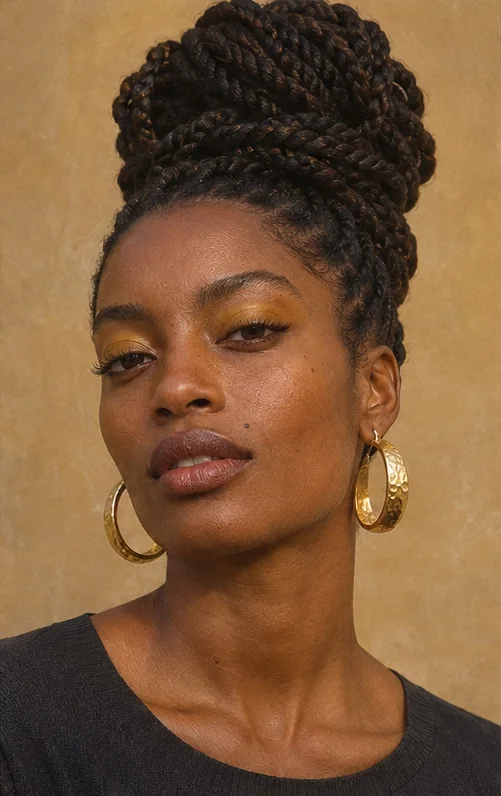
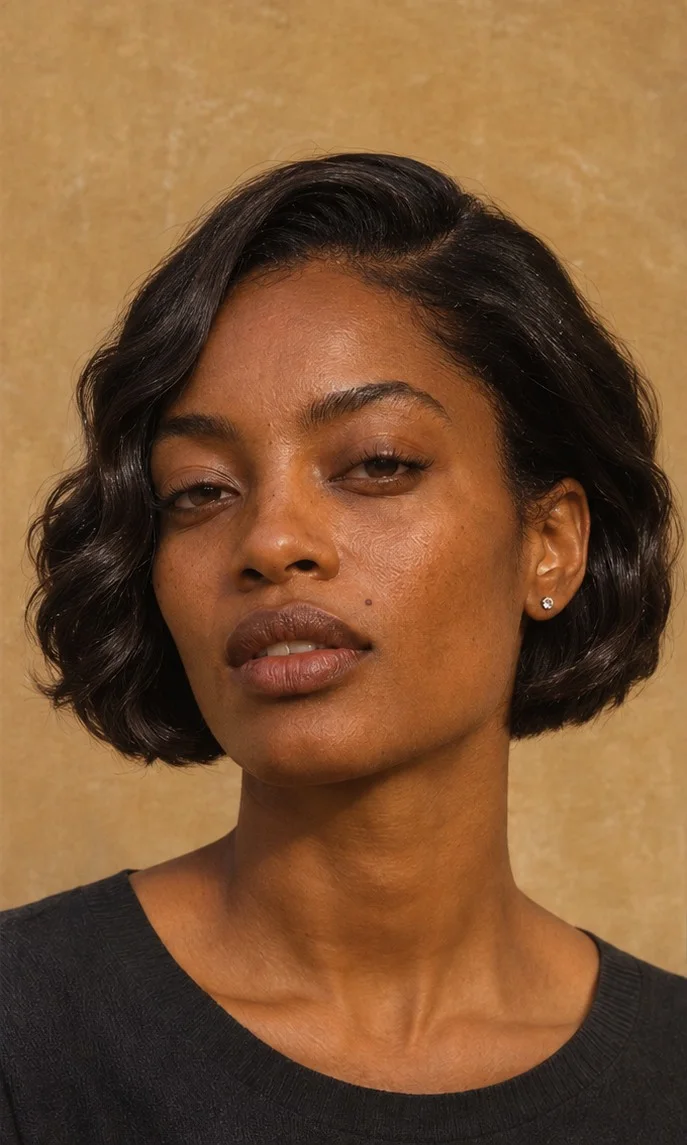
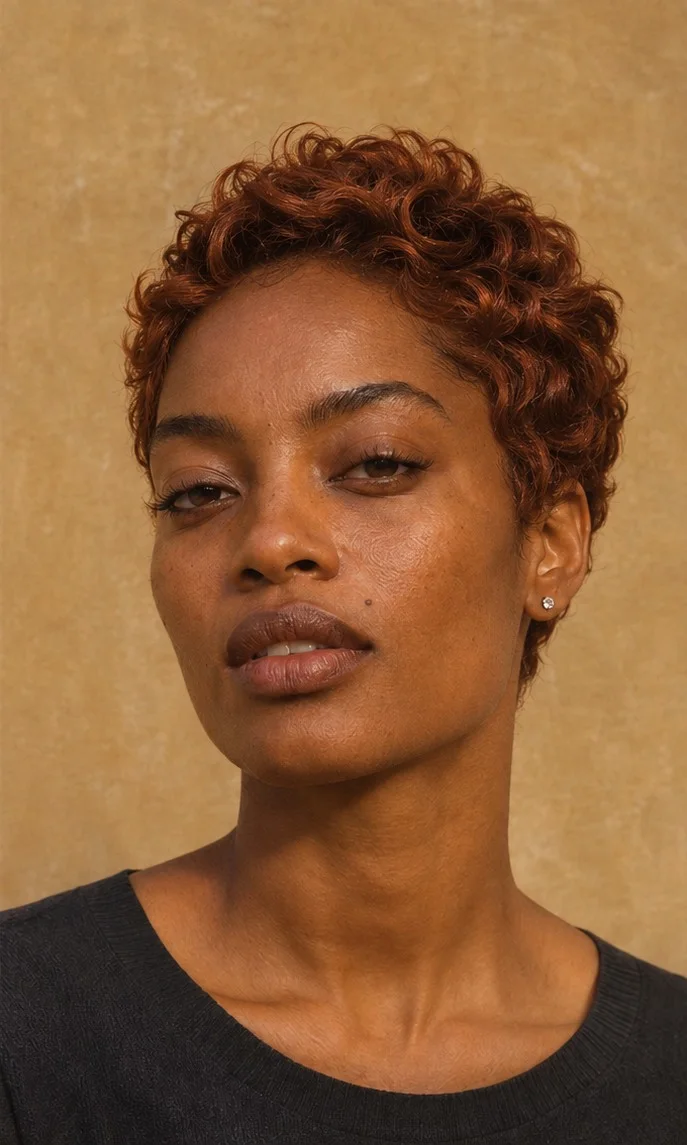
Discover looks on a single portrait.
See the shift.
The same face, with a different cut, frames and grooming.
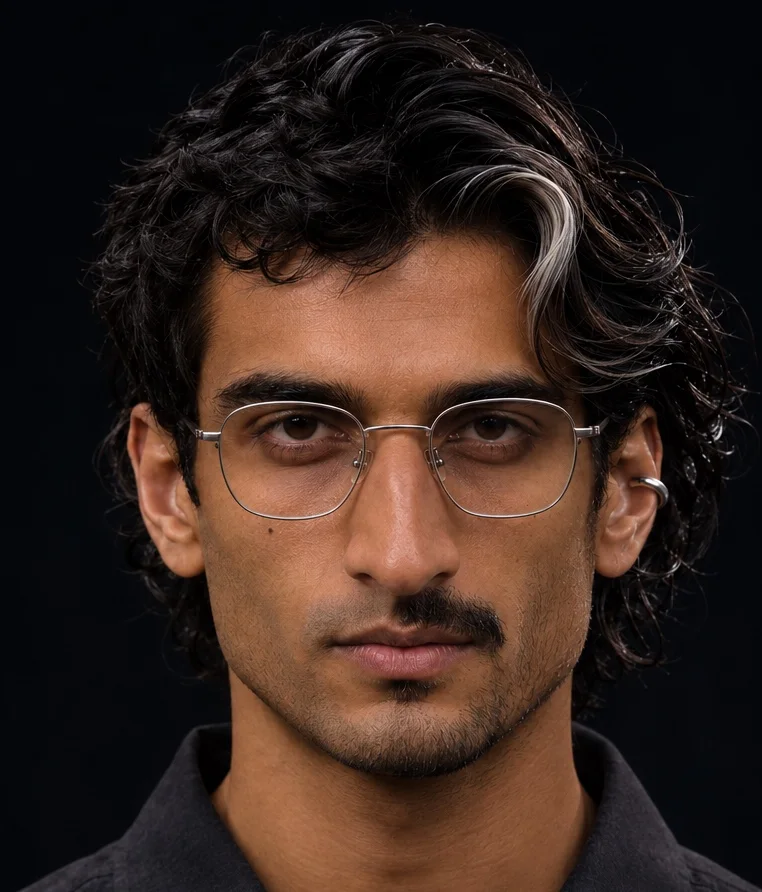
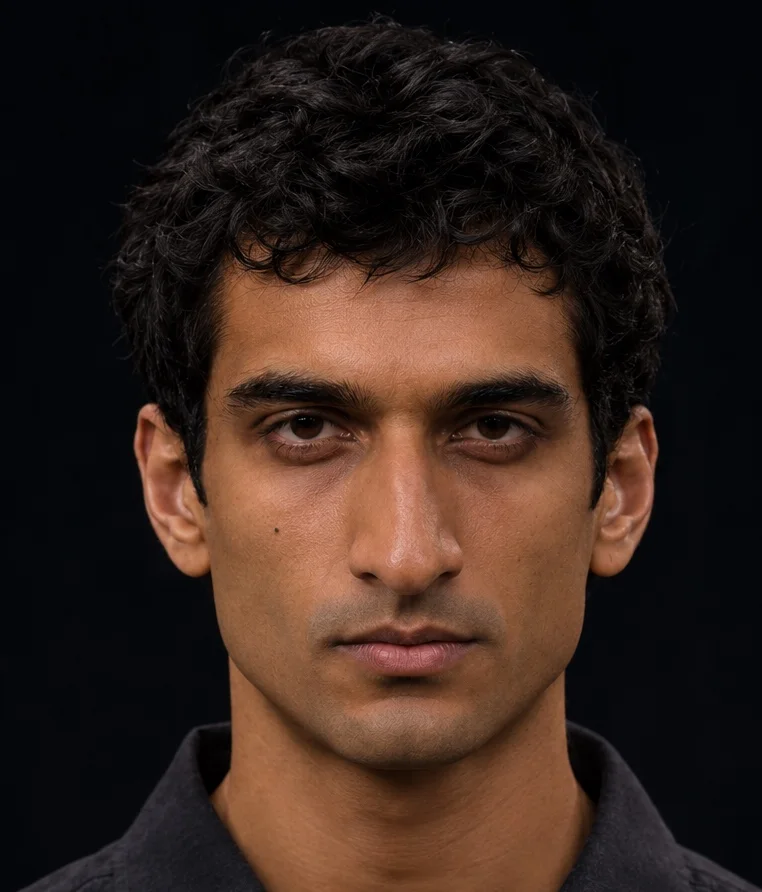
Drag or tap the portrait
Style studies
Start with one detail.
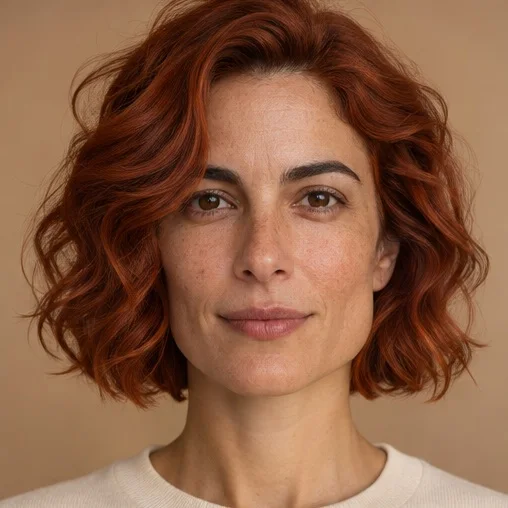
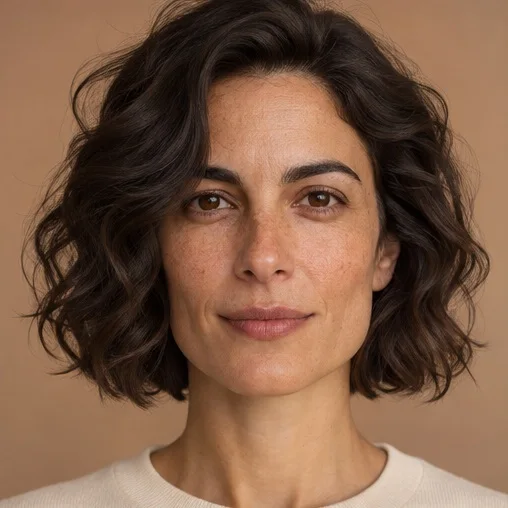
Style study
Hair & color
Deep brunette to warm copper.
Drag the line to compare.
Style study
Hair & color
Deep brunette to warm copper.
Drag the line to compare.
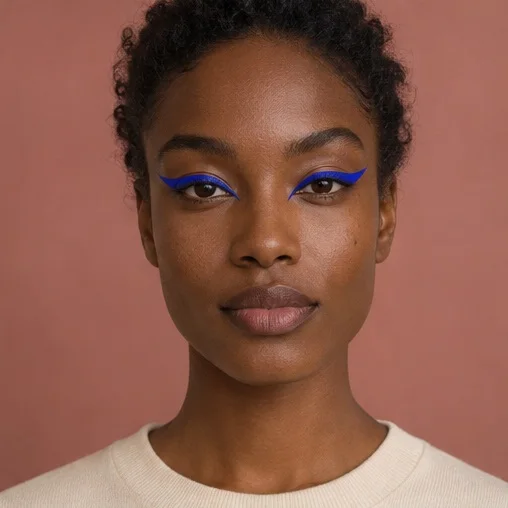
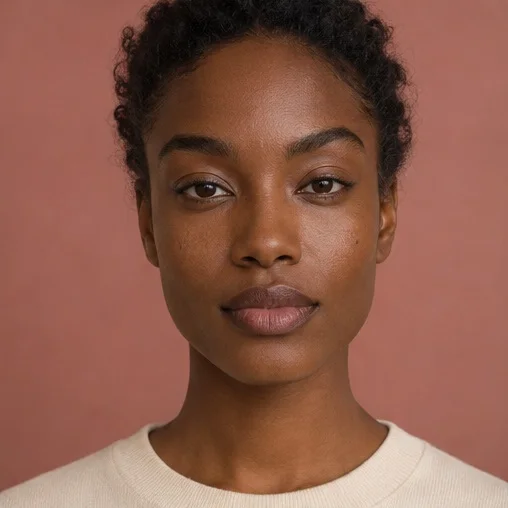
Style study
Makeup
Bare lids to cobalt wings.
Drag the line to compare.
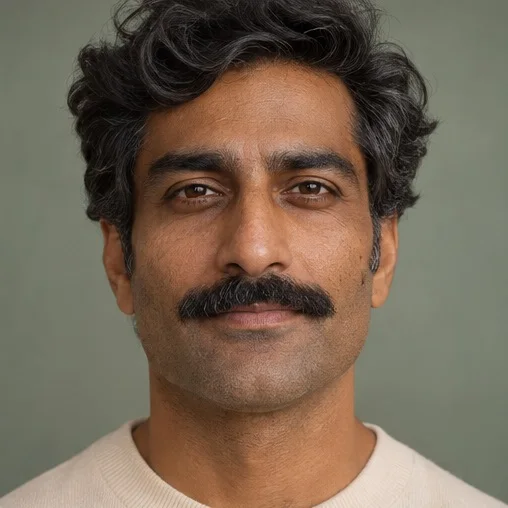
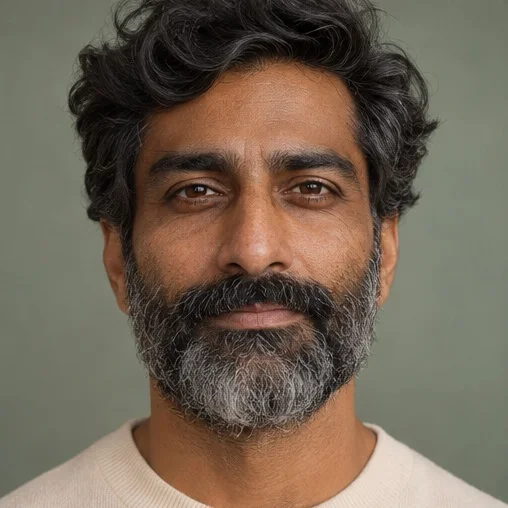
Style study
Grooming
Full beard to moustache.
Drag the line to compare.
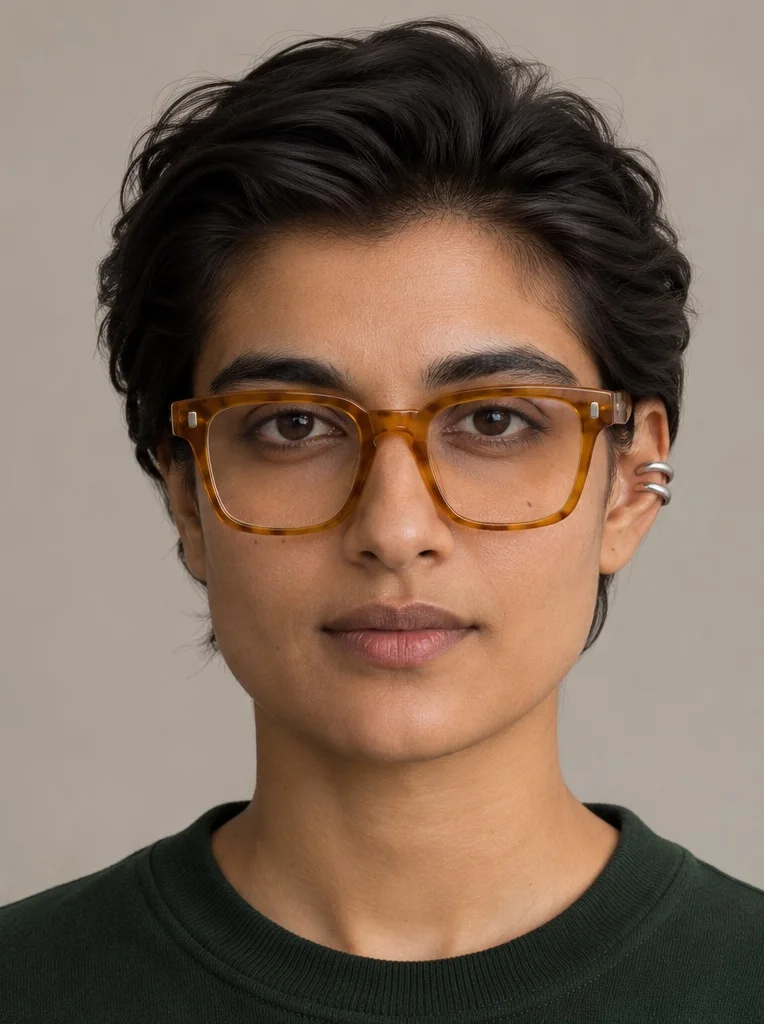
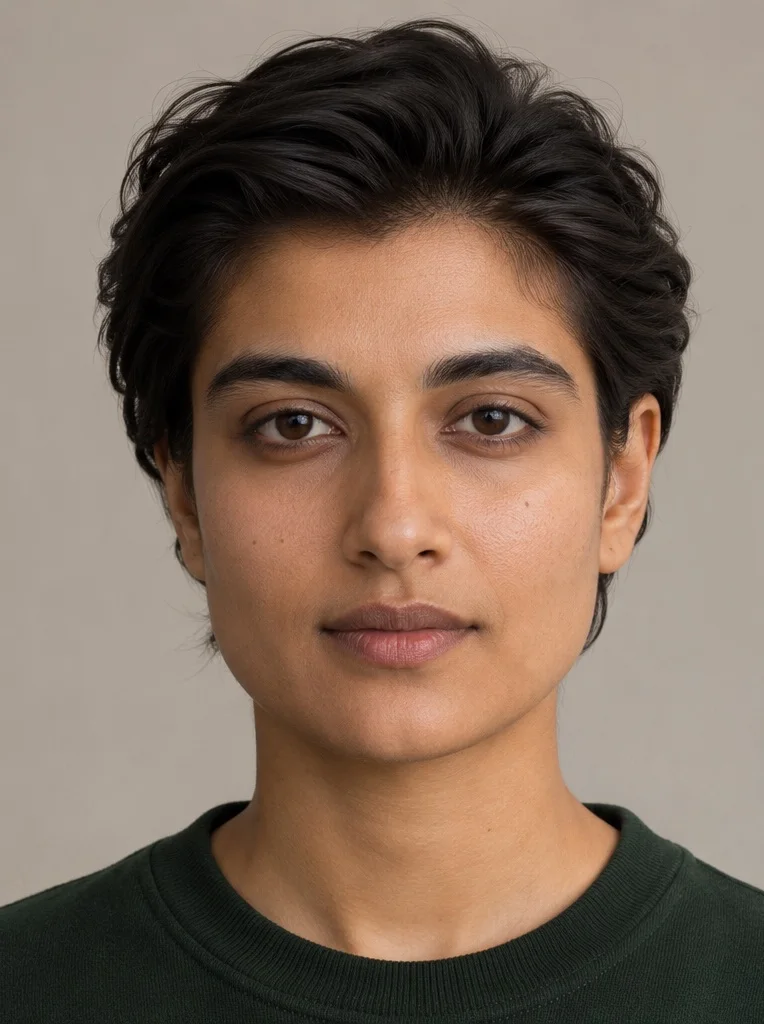
Style study
Jewelry & frames
Amber frames and a silver ear cuff.
Drag the line to compare.
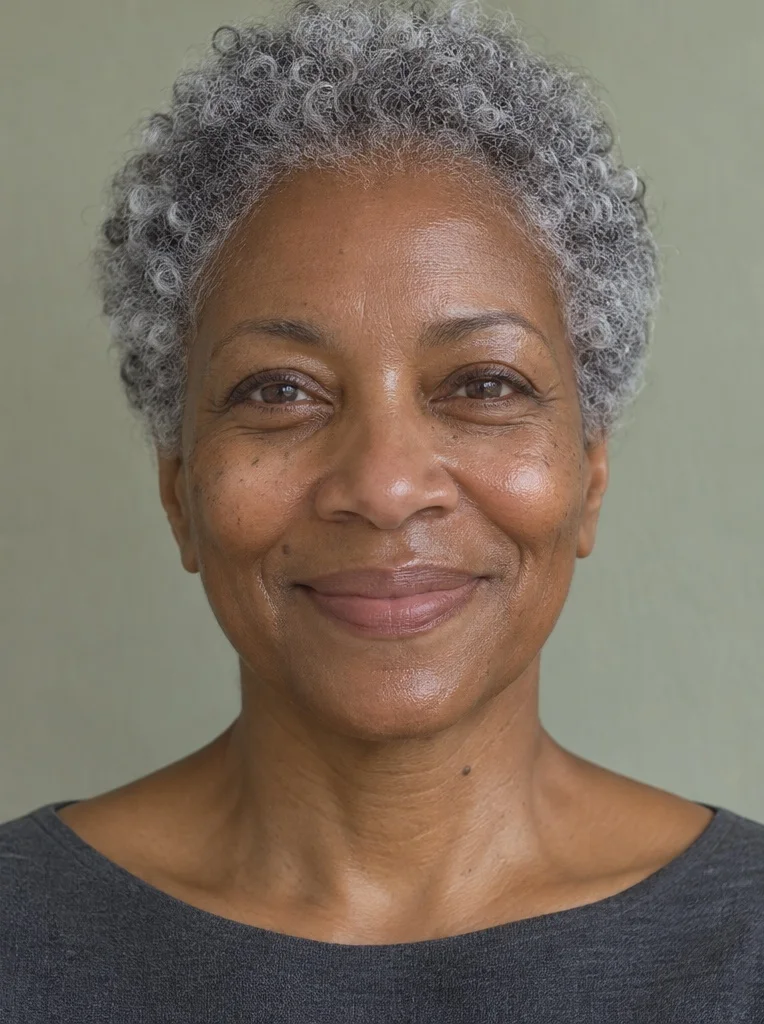
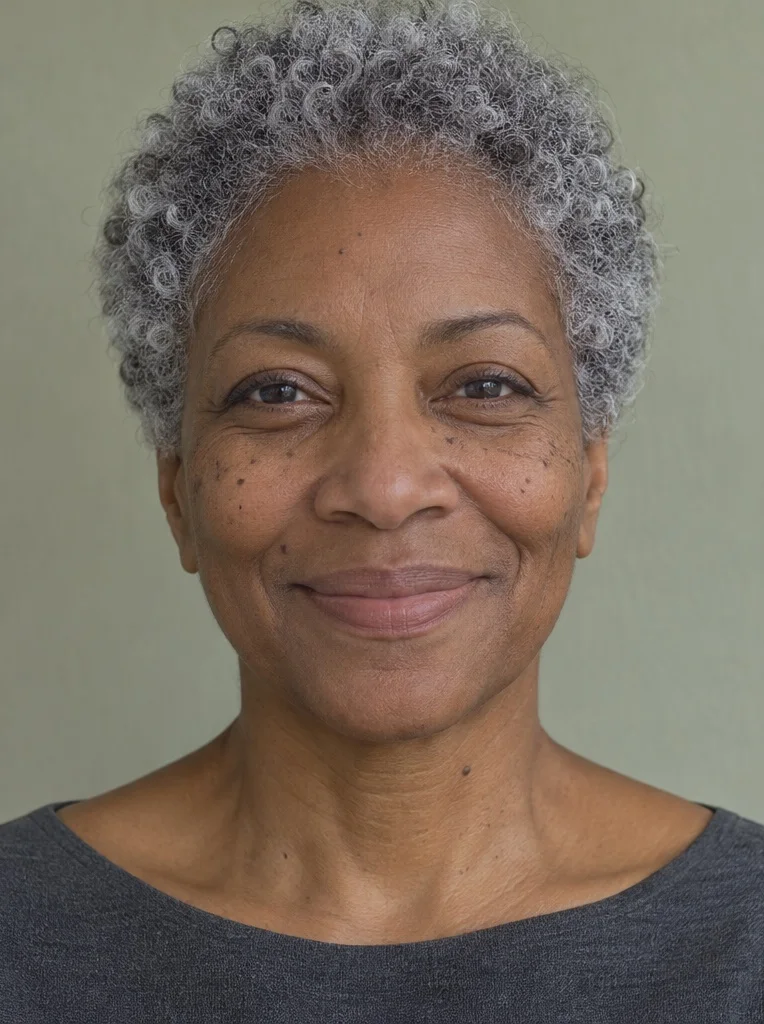
Style study
Cosmetology
A dewy finish with natural skin texture.
Drag the line to compare.
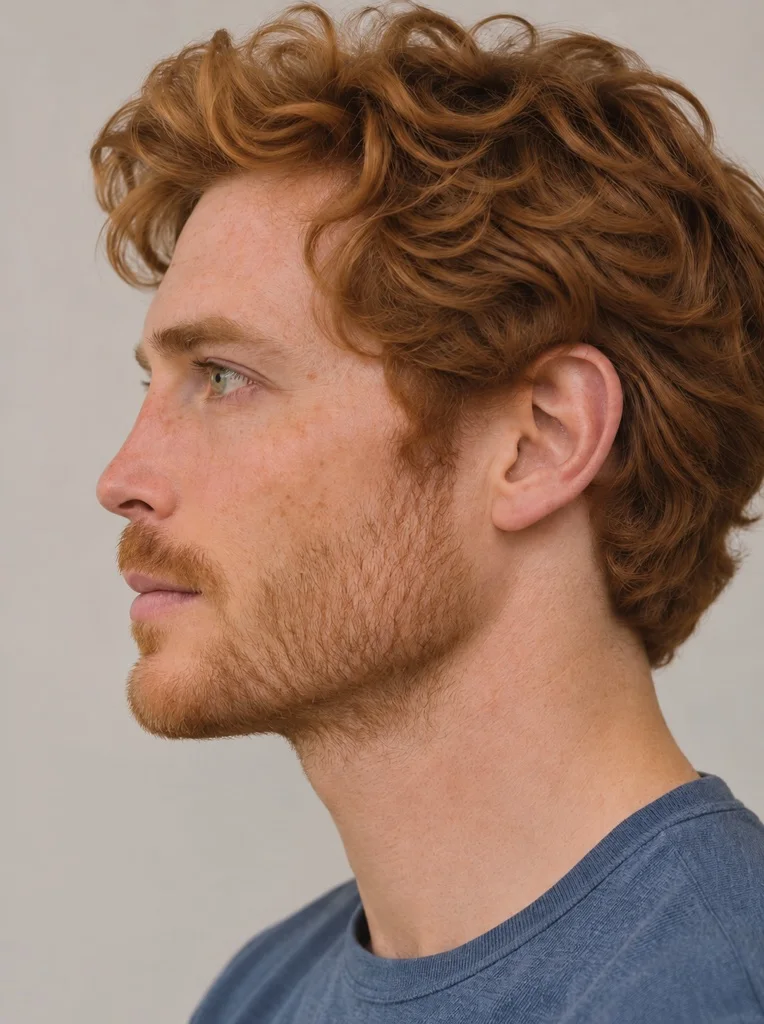
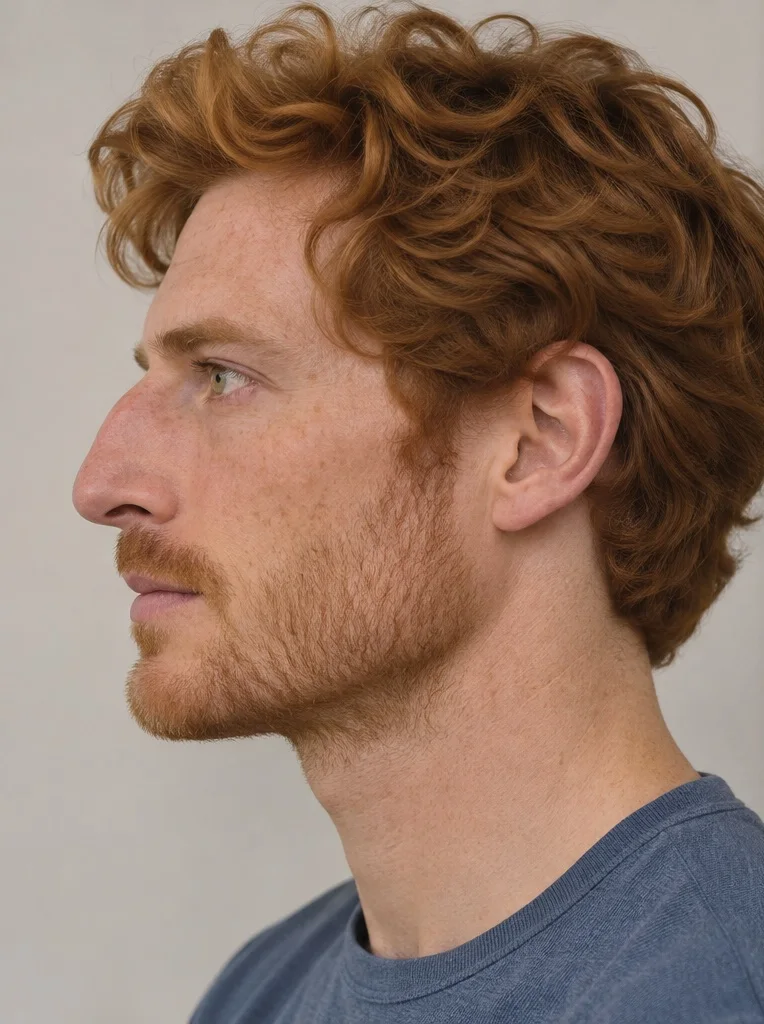
Style study
Surgery
A straighter bridge in profile.
Drag the line to compare.
The app walkthrough
Take Else for a spin.
Follow a look from itsthe first brief to your lookbook. Watch the session or choose a step.
Your style brief.
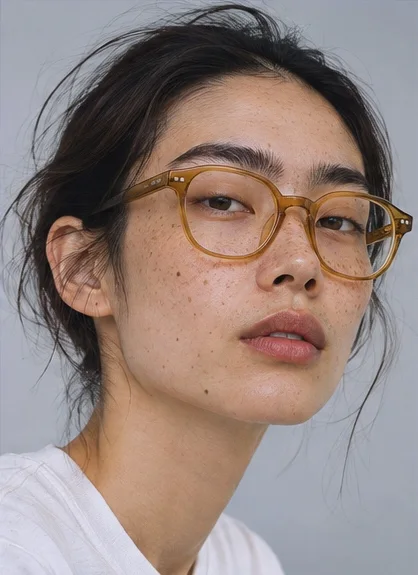
“A short fringe.ELSE STYLIST
Keep my amber frames as an option.”
Start with the cut. We can bring the frames back in the next step.
Your style brief.
“A short fringe.ELSE STYLIST
Keep my amber frames as an option.”
Start with the cut. We can bring the frames back in the next step.
The micro fringe.
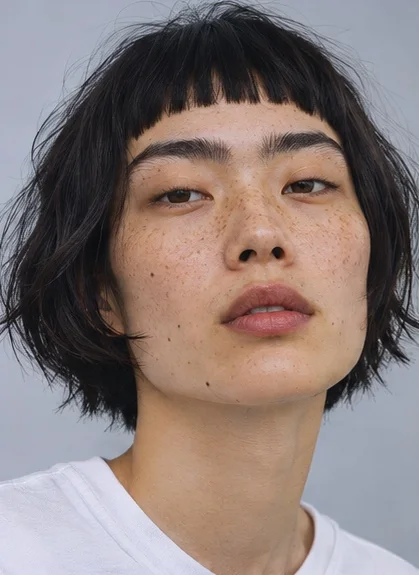
A clean line above the brows.
The soft tuck.
Longer hair tucked behind the ears.
Keep the fringe.
Micro fringe only
Keep the fringe.
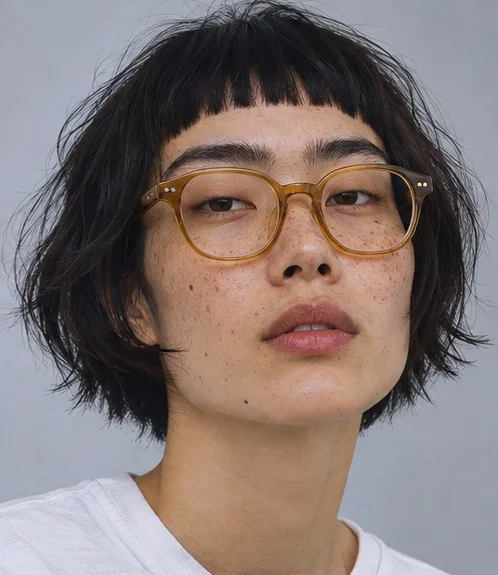
Micro fringe + amber frames
Saved to Lookbook.
The micro fringe
Short bob with a blunt micro fringe.
Saved to Lookbook.
Fringe & amber
Micro fringe and warm amber frames.
Saved to Lookbook.
The soft tuck
Longer front pieces and amber frames.
Stylist
Tell ELSE what you have in mind.
Start with a photo. A few words about what you like give your stylist a place to begin.
“I want to try a short fringe. Can I keep my amber frames?”
“Let’s look at the cut first. Then we can bring your frames back in.”
Mix looks
Keep the parts you love.
Swipe through looks. Keep a cut from one and frames from another.
From your Lookbook
Wear it out.
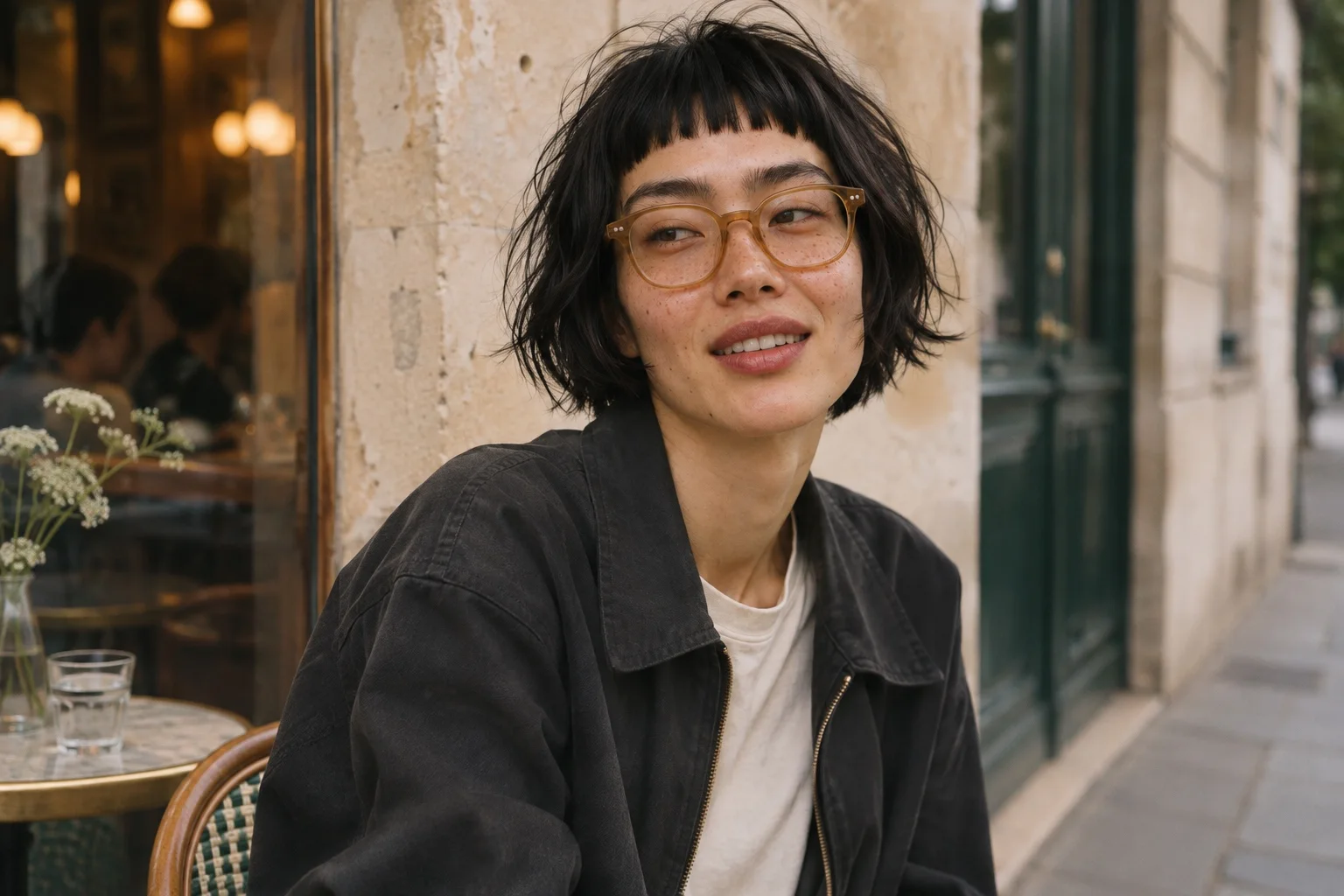
Save the portrait with the details that make it yours. Take both to your next appointment.
- Cut
- A short bob with a blunt micro fringe.
- Frames
- Honey-amber acetate with a soft square rim.
Pricing
Start with free trial credits in the app. Add a pack when you want to create more looks.
Try the free demo| Credit pack | Preview price · USD |
|---|---|
| 30 credits | $4.99 |
| 100 credits | $9.99 |
| 300 credits | $24.99 |
Existing looks are free to browse. New images use credits. No subscription required.
FAQ
What can I try for free?
Explore the demo here with a sample portrait. In the app, trial credits let you create your first looks.
Which photo should I use?
Choose a clear, front-facing photo in even light. A photo with your face and hair in view makes changes easier to compare.
Can I change just one detail?
Open a look in Refine and choose what to change. Try a new haircut, for example, while keeping your frames.
Where do my saved looks go?
Save a look to your Lookbook. You can revisit the portrait and its styling notes, or compare it with your original photo.
When do I use credits?
Browsing and swiping through existing looks is free. When you generate a new image or refinement, the app shows the credit cost first.
See it on you.
Bring a clear, front-facing photo and one detail you want to try.